

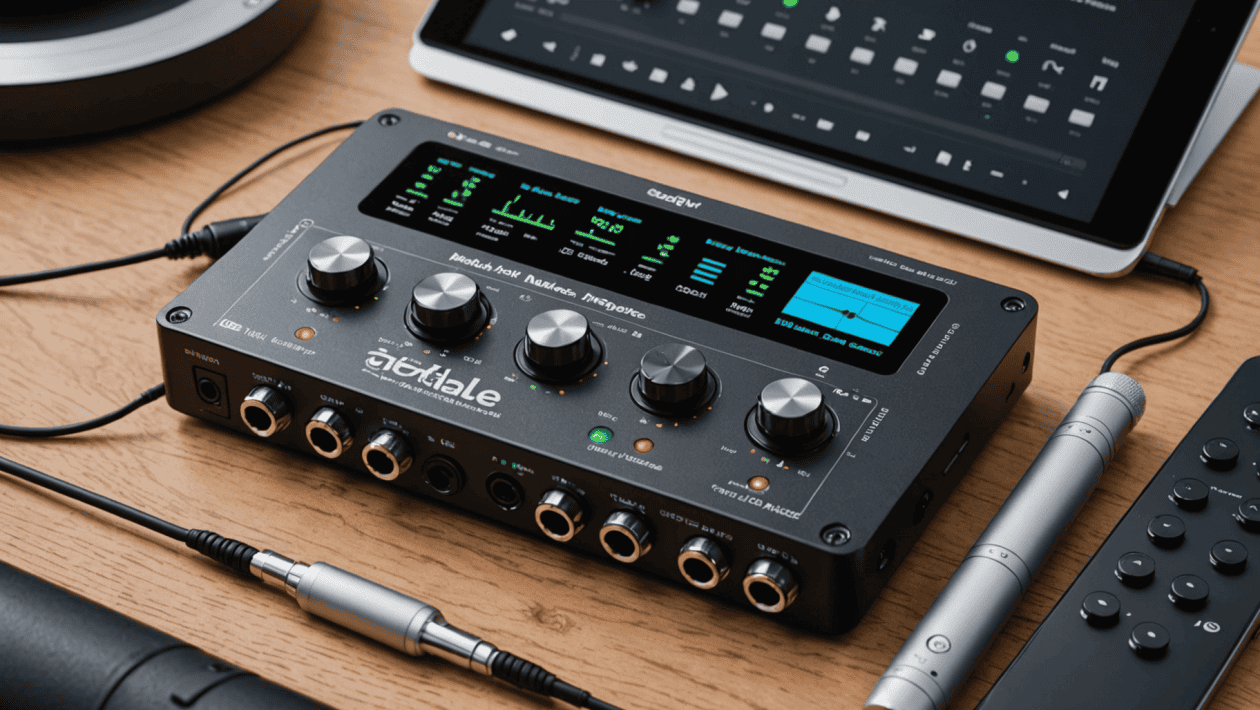
Musicians who hit the road know that a trusty mobile audio interface makes all the difference in capturing, mixing, and producing top-notch sound anywhere. Whether recording demos at a coffee shop, saving ideas during a commute, or performing live with just a small setup, an interface must keep gear and creativity working together. Tech keeps shrinking and packing in more features, making it easier than ever to get pro-level sound on the go. Imagine turning any spot into a personal studio and never missing a single note. Keep reading to find out how to make every place sound amazing.
Choosing the ideal mobile audio interface can seem overwhelming given the multitude of options available. From different compatibility standards to hardware features, each product caters to various needs and budgets. Finding the perfect match involves understanding the key features that impact your workflow, the kinds of connections you require, and how well an interface integrates with your existing setup. This guide aims to help musicians anywhere evaluate the most important factors so you can select an interface that supports your creative journey with clarity and confidence.
Understanding Mobile Audio Interfaces and Their Importance for Musicians
Mobile audio interfaces are compact devices that connect musical instruments, microphones, and headphones to your smartphone, tablet, or laptop. They serve as the bridge between your audio sources and recording or monitoring tools, converting analog signals into digital data and vice versa. For musicians who perform or produce outside a traditional studio environment, these devices allow for professional-quality recordings and playback without bulky equipment.
Beyond mere connectivity, a good mobile audio interface offers low latency, high fidelity, and reliable power sources, all critical for capturing performances accurately. The right device can significantly influence your workflow by providing clear, noise-free sound, multiple input and output options, and compatibility with your preferred recording apps and DAWs.
Key Features to Consider When Choosing a Mobile Audio Interface
Compatibility and Connectivity
Before purchasing, ensure the interface works seamlessly with your devices—be it iOS, Android, or Windows. Check for the necessary ports, such as USB-C, Lightning, or Thunderbolt, and verify compatibility with your operating system and preferred recording applications. Some interfaces are designed specifically for certain platforms, offering optimized drivers and configurations that can save you setup time and frustration.
Number and Types of Inputs and Outputs
The number of inputs determines how many instruments or microphones you can record simultaneously. For solo performances, a two-input device might suffice, but collaborations or band recordings benefit from interfaces with multiple channels. Also, consider output options such as headphone amps, speaker outputs, or MIDI connections to expand your creative options. Having versatile inputs and outputs allows flexibility for various recording scenarios.
Design and Portability for Musicians on the Go
Since mobile musicians need to carry their gear, size and weight become vital considerations. Look for lightweight, sturdy models with durable enclosure materials. Compact designs that fit comfortably in backpacks or gig bags prevent added fatigue and ease transportation. Some interfaces feature sleek, all-in-one formats with integrated headphone jacks, volume controls, and built-in power options, enabling quick setup and breakdown anywhere you perform or record.
Power Options and Compatibility with Mobile Devices
Many mobile audio interfaces are bus-powered through your device’s port, negating the need for external power supplies. However, some may require an additional power source for optimal operation. Check whether your chosen device can be powered via USB or Lightning without external batteries, simplifying your setup process. Compatibility with mobile devices is crucial; some interfaces include special adapters or cables to ensure reliable connection with smartphones and tablets, maintaining signal integrity during sessions.
Evaluating Sound Quality and Latency Performance
Sound quality often differentiates a professional setup from an amateur one. Look for interfaces that support high-resolution audio formats, such as 24-bit/96kHz or higher. Additionally, low latency is essential for tracking and monitoring performances without delays. Reading reviews and seeking recommendations can provide insights into an interface’s real-world performance in these areas. Remember, investing in quality sound reproduction makes your recordings and mixes sound more polished and professional.
Software and Support: What You Need to Know
An intuitive interface should come with reliable drivers and software compatibility for your recording platform. Many brands offer dedicated apps or plugins to enhance functionality, such as control panels and firmware updates. Good customer support can alleviate potential headaches, especially when troubleshooting or updating firmware. Ensure the manufacturer provides ample documentation and a responsive support system, thereby extending your device’s lifespan and usability.
Budgeting and Where to Find Quality Mobile Audio Interfaces
Prices for mobile audio interfaces range from budget-friendly options under $100 to premium models exceeding $500. While higher cost often correlates with advanced features and better sound quality, many affordable interfaces deliver excellent performance for home studios and mobile setups. Always match your budget with your specific needs and planned use cases.
For those looking for recommendations, Here’s their selection of mobile audio interfaces offers a curated list of popular and reliable options suited for musicians anywhere. Taking time to research and read user reviews can make a significant difference when choosing the device that best fits your workflow.
Practical Tips for Setting Up Your Mobile Audio Interface
- Test all connections: Before heading out, set up your interface and run test recordings to verify audio levels and device compatibility.
- Keep cables organized: Use cable ties or pouches to prevent damage and ensure quick setup during gigs or recording sessions.
- Use quality headphones and microphones: High-quality input devices optimize the signal going into your interface, resulting in better recordings.
- Practice your workflow: Familiarize yourself with your interface’s features and compatible apps to minimize setup time during critical sessions.
Conclusion: Choosing the Right Mobile Audio Interface Empowers Your Creativity
Selecting the appropriate mobile audio interface is a fundamental step for any musician seeking flexibility and professionalism in their craft. By considering compatibility, input/output options, portability, power sources, sound quality, and support, you can find a device that fits your unique needs. Remember, the right interface not only enhances your recordings but also encourages experimentation and creativity without being hindered by equipment limitations.
Investing in a quality mobile audio interface opens doors to recording on your terms, whether during travel, rehearsals, or live performances. Take your time exploring options and leverage resources like Here’s their selection of mobile audio interfaces to find a model that elevates your music making. With the right gear in hand, your musical ideas can come to life wherever inspiration strikes, turning your mobile setup into a powerful tool for your artistic growth.